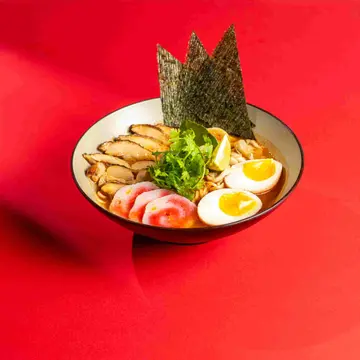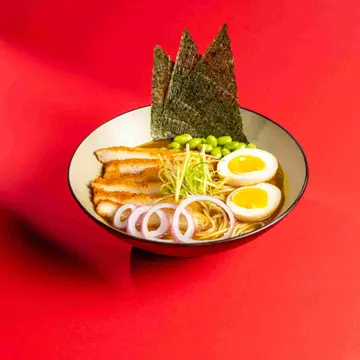
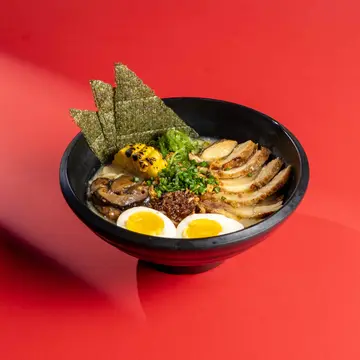
Chicken Tonkatsu
32.00
 1
A QR code on every table opens your menu on the guest's phone. They order and pay, and the order goes straight to the kitchen without waiting for a waiter.
Most "digital menus" are a picture of the menu or a page that only lists items, so the guest still calls the waiter to order and pay. In Loqma the QR opens a live menu from the same system: the prices and available items are the cashier's own, and the order enters the cashier and the kitchen display the moment the guest sends it.
At peak that means more tables with the same staff, and fewer mistakes, because the guest picks the size, add-ons and notes themselves.
Each table has its own code, so the order arrives under the table and branch without the guest typing anything.
The page carries your logo and colours, with items, photos, sizes and add-ons, and the calories and allergens for each item.
Choose your restaurant's flow: the guest sends the order and pays later, or pays first and the order reaches the kitchen only once it is paid. In the pay-first flow, a round left unpaid is cancelled automatically within five minutes.
When several people order at one table, each sees and pays their own bill, and nobody pays for someone else by mistake.
Apple Pay, mada and cards, with an optional tip the guest chooses, and the e-invoice issued without anyone waiting.
The guest can order again from the same phone, and the new round reaches the kitchen on its own, never repeating the first.
Ordering and paying at the table is part of mobile ordering in the Pro plan. Pricing
A free QR menu is usually a picture or an item list, and the guest goes back to the waiter to order and pay. In Loqma the guest orders and pays on the same page, the order enters the cashier and the kitchen display directly, and the prices and available items are the cashier's own.
No. The QR opens the page directly in the phone's browser.
Each guest has their own bill on their phone, pays for what they ordered, and does not see anyone else's orders.
Loqma takes no commission on the order, but online payment carries a fee set by the payment company, different for mada and cards, and shown to you before you turn the service on.
Yes. Choose between sending the order to the kitchen and paying later, or paying first and then sending the order, to suit your restaurant.
Leave your details and the Loqma team will reach out within one business day - a live demo for your business, with no commitment.