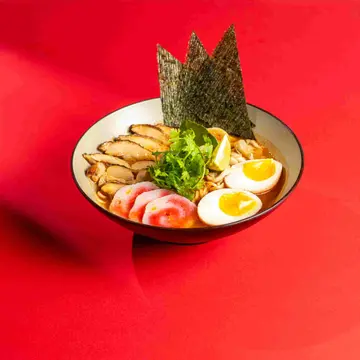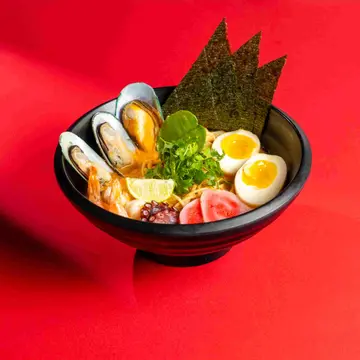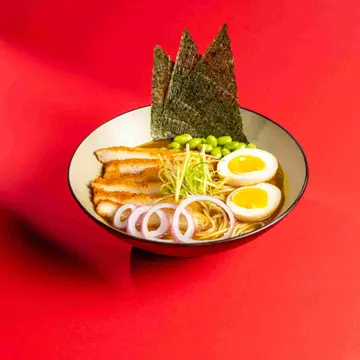
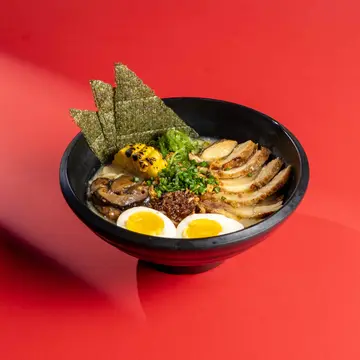
Chicken Tonkatsu
32.00
 1
An ordering page in your restaurant's look and menu, for your Instagram, WhatsApp and Google Maps profile. Orders reach the till and the kitchen like any other, and your own drivers deliver.
A guest who already knows you and wants to order goes to a delivery app, where you pay commission on an order the app did not bring you, and they see other restaurants beside you before they order. WhatsApp orders are easier, but they get written down by hand and lost between messages in a rush.
In Loqma, the ordering page is part of the same system: the same menu as the till with its prices and photos, orders land on the orders board and reach the kitchen without anyone re-typing them, and the guest follows their order from a link.
Your page lives on a link with your restaurant's name, carrying your menu from the till with its prices, photos and categories, each branch's opening hours, and links to WhatsApp, Instagram, Snapchat and Google Maps.
Start from one of six ready-made designs (classic, cafe, fine dining, bold, cloud kitchen, sweets) and change it: your colour, logo, banner, font and menu layout, with photos or without them if you have no photography. A phone and desktop preview updates as you edit.
The guest picks delivery or pickup, as soon as possible or at a later time. To protect the kitchen at peak, set time slots with a fixed capacity per branch, and guests only see the slots that still have room.
Set delivery areas with a fee and a minimum order for each, and the guest drops a pin on the map so your driver reaches the door. The fee is computed by the system, so nobody can change it from the page.
With your restaurant's payment gateway active, guests pay by card or Apple Pay as they order, or choose to pay on collection. Turn on prepayment and the kitchen does not see the order, or start it, until the money is in.
Driver out or kitchen buried? The cashier pauses delivery or pickup for fifteen minutes, half an hour, an hour, or until resumed, for their branch only. The page closes the option before the guest fills in an order, and it comes back on its own when the time is up.
The online ordering store is included in the Pro plan. Delivery areas and driver management start from the Growth plan. Pricing
The Loqma subscription takes no commission on your sales. When a guest pays online by card, the payment company charges its fees, shown clearly before you turn online payment on.
The link is useloqma.com/store/ followed by the name you choose for your restaurant. Custom domains are not supported at the moment, but you can put the link in your bio, your Google Maps profile and your WhatsApp messages.
Your own drivers. A delivery order appears on the delivery screen with the guest's address and their pin on the map, so the driver opens the map and arrives without calling to ask the way.
That is your call. By default the order goes straight through and the guest pays on collection or online. Turn on prepayment and the order is held, never reaching the kitchen or raising an arrival alert, until it is paid.
Yes, if you turn on scheduled orders. The guest picks a time instead of "as soon as possible", and if you set slots with a capacity, they only see the ones with room. The order is accepted while the branch is trading with a shift open.
The ordering page is for delivery and pickup from anywhere. Ordering at the table is for a guest seated in your restaurant: they scan their table's QR code, order and pay from their seat, and each guest has their own bill. Both are in the same plan and share your restaurant's look.
Leave your details and the Loqma team will reach out within one business day - a live demo for your business, with no commitment.